FEDUS 10 IN 1 USB C HUB, TYPE C DOCKING STATION
Add to favoritesRs 2,499

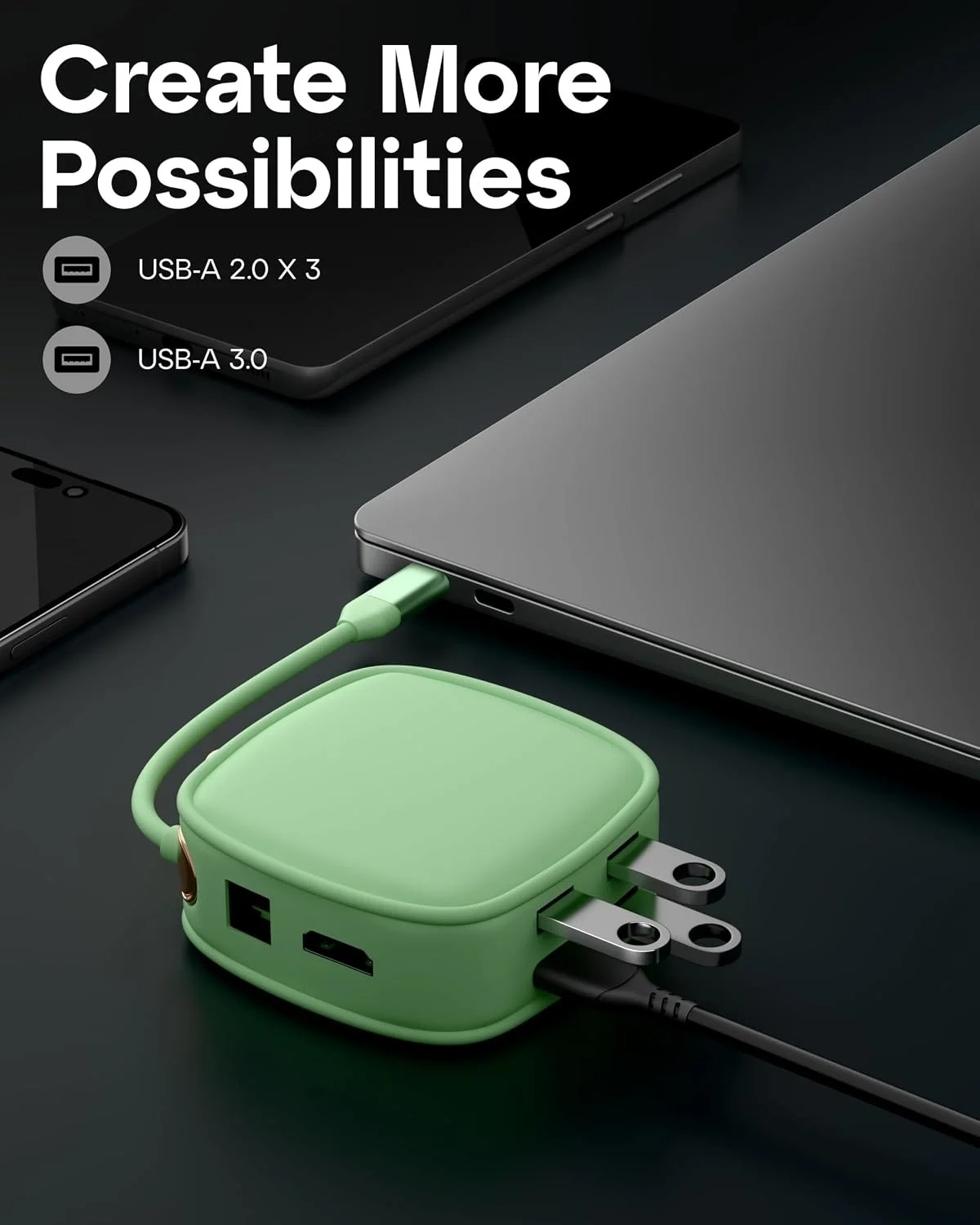

The FEDUS 10 in 1 USB C Hub is designed to expand the connectivity of compatible laptops, tablets, and computers. It combines multiple ports in one compact docking solution, helping users connect external monitors, wired networks, USB accessories, storage devices, and memory cards through a single USB-C connection. Whether you work from home, attend online meetings, study, or manage everyday office tasks, this hub can help create a more organised and flexible workspace.
With 4K HDMI output at 30Hz, up to 100W Power Delivery, an RJ45 LAN port, USB ports, and an SD/TF card reader, this docking station supports a variety of everyday connectivity needs.
10-in-1 Connectivity for Everyday Use
The 10 in 1 USB C Hub brings multiple connection options together in one device. Instead of frequently switching accessories or relying on several separate adapters, users can connect compatible peripherals through a single hub. This can be particularly useful for modern laptops and tablets that have a limited number of built-in ports.
Its range of connectivity options supports productivity, file transfers, external display connections, wired internet access, and memory card access. The actual number of simultaneously usable connections and their performance depend on the hub's specifications and the connected host device.
Connect an External Monitor with 4K HDMI
The hub features HDMI output supporting up to 4K resolution at 30Hz with compatible devices and displays. This allows users to connect an external monitor or television for presentations, online classes, spreadsheets, browsing, and entertainment.
A USB C Hub with 4K HDMI can be useful when you want to extend your laptop's display to a larger screen or mirror content for meetings and presentations. Keep in mind that 4K at 30Hz is different from 4K at 60Hz, so check your display requirements before choosing a hub.
Video output also depends on whether the connected laptop, tablet, or computer supports video transmission through its USB-C port.
Power Delivery for Compatible Devices
The hub supports up to 100W Power Delivery input, allowing a compatible power adapter to supply power through the hub to a connected host device. This arrangement can help reduce the need for a separate charging connection when working with supported equipment.
A 100W Power Delivery Hub does not necessarily deliver the full 100W to the laptop itself. Some power may be used by the hub, and actual charging performance depends on the power adapter, connected device, cable, and hub design. Use a compatible USB-C PD charger and check your device's charging requirements.
Wired Internet with an RJ45 LAN Port
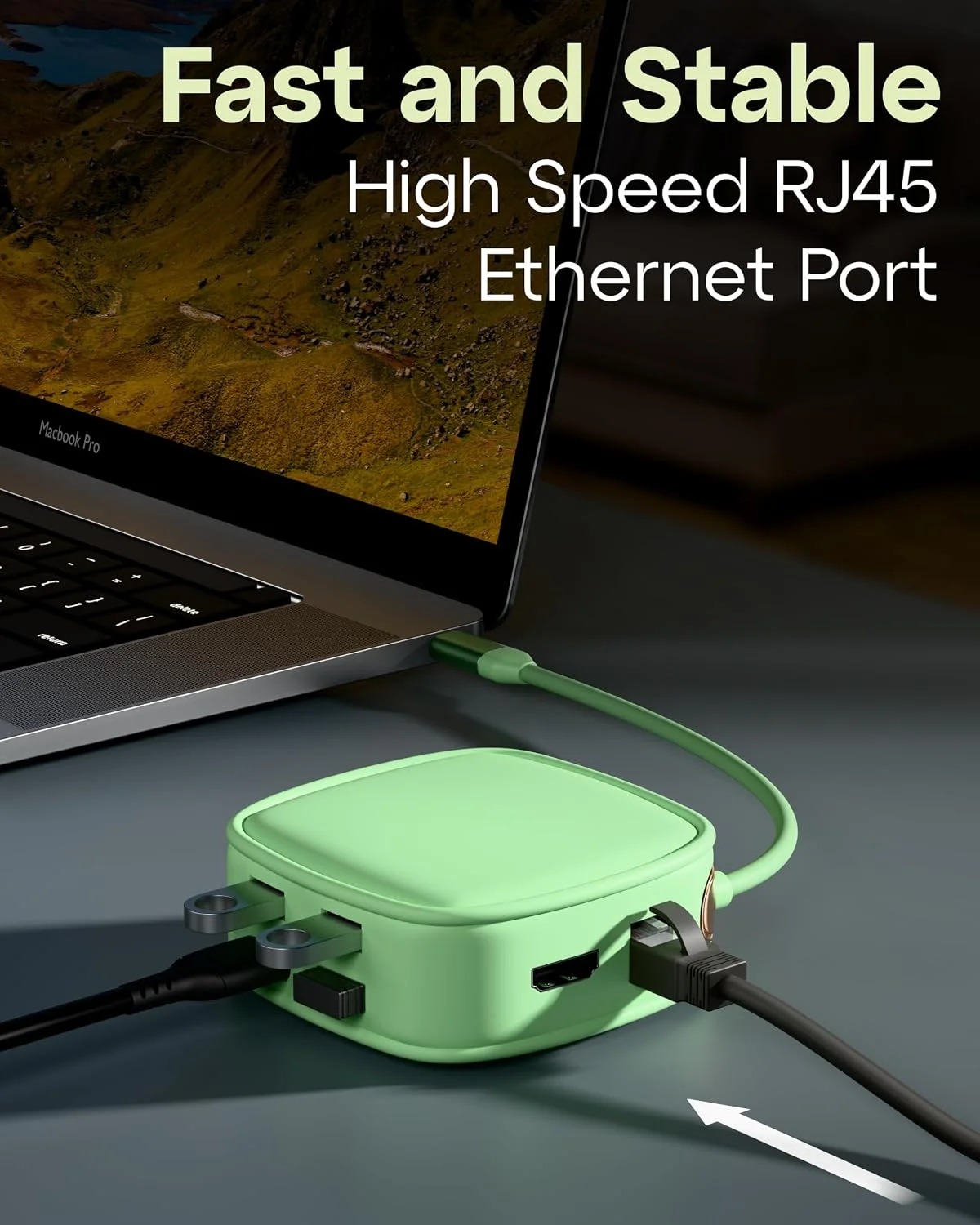
For users who prefer a wired network connection, the hub includes an Ethernet port. A USB C Hub with RJ45 LAN can be useful in offices, home workspaces, classrooms, and other environments where a wired network is available.
Ethernet connectivity may provide a convenient alternative to Wi-Fi for compatible laptops and computers, particularly when working with large files, participating in video meetings, or accessing a local network. Network speed depends on the hub's Ethernet specification, your router or switch, the network cable, and your internet service.
USB Ports for Accessories and Data Transfer
The hub includes USB 3.0 and USB 2.0 ports for compatible accessories. The USB 3.0 Hub 5Gbps functionality supports a theoretical data-transfer rate of up to 5Gbps on the USB 3.0 connection, although real-world speeds vary by device and workload.
These ports can be used to connect compatible flash drives, external hard drives, keyboards, mice, and other USB peripherals. USB 2.0 is suitable for many basic accessories, while the USB 3.0 port is better suited to supported high-speed data-transfer tasks.
Actual transfer rates depend on the connected storage device, computer, file sizes, and other system limitations.
SD and TF Card Reader for Convenient File Access
Photographers, content creators, and everyday users often need to transfer files from memory cards to a computer. The USB C Hub with SD TF Card Reader provides access to supported SD and TF (microSD) cards through the hub.
This feature can help users import photographs, videos, and documents without requiring a separate card reader. Card compatibility and transfer speeds depend on the memory card format, card capacity, and the hub's supported specifications.
Compatibility with Laptops, Tablets and More
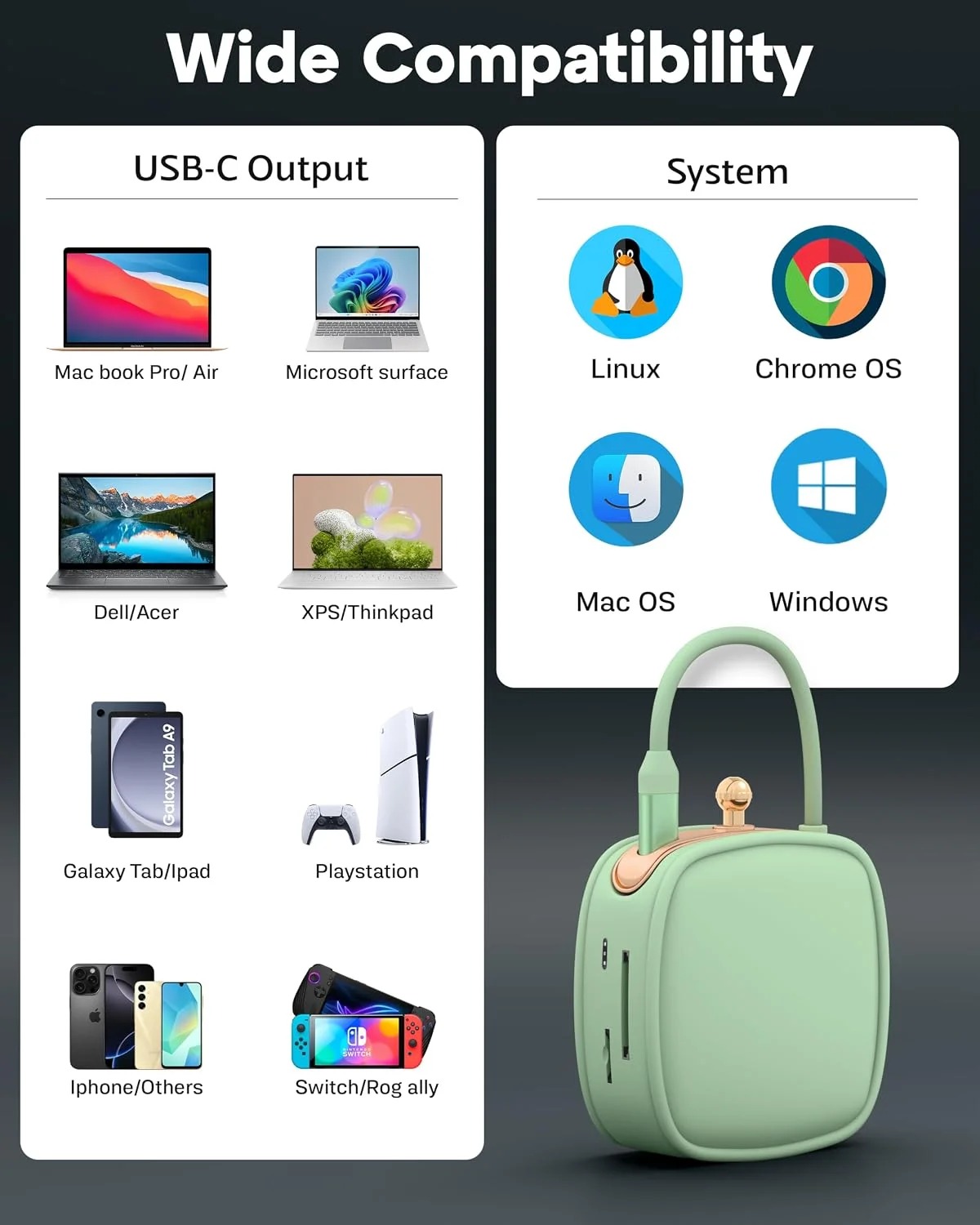
The USB C Hub for Laptop is designed for compatible devices with a suitable USB-C connection. It may be useful for users who need additional ports for monitors, storage, networking, and accessories.
The USB C Hub for MacBook can help expand connectivity on compatible MacBook models. It can also be used with supported Windows laptops, PCs, and iPads that offer the necessary USB-C functionality. However, not every USB-C port supports video output or every hub feature, so verify compatibility before connecting your devices.
As a Type C Docking Station, this hub can help bring commonly used connections together in a single workspace accessory. A Multiport Adapter for Laptop is especially useful for people who regularly move between a home office, workplace, classroom, or meeting room.
Why Choose the FEDUS 10-in-1 USB-C Hub?
The FEDUS hub offers several useful connectivity options in one solution:
Multiple ports for compatible peripherals and accessories.
HDMI output supporting up to 4K at 30Hz.
Up to 100W Power Delivery input for compatible charging setups.
RJ45 Ethernet connectivity.
USB 3.0 data transfer up to a theoretical 5Gbps.
USB 2.0 connectivity for compatible accessories.
SD and TF card reader functionality.
Support for compatible laptops, tablets, and computers.
Conclusion
The FEDUS 10-in-1 USB-C Hub is a practical connectivity option for users who want to connect multiple accessories through a compatible USB-C device. Its combination of HDMI output, Power Delivery, Ethernet, USB ports, and memory card readers can support everyday productivity, office work, presentations, and file management.
Before purchasing, check your device's USB-C capabilities, display requirements, charging needs, and operating-system compatibility. Choosing a hub that matches your setup helps you get the most useful performance from your connected devices.